How to Export a WhatsApp Chat for Analysis
Export a WhatsApp chat in the right way for analysis: with or without media, which period, how big a chat can be, and what to check in the file before you analyze it.
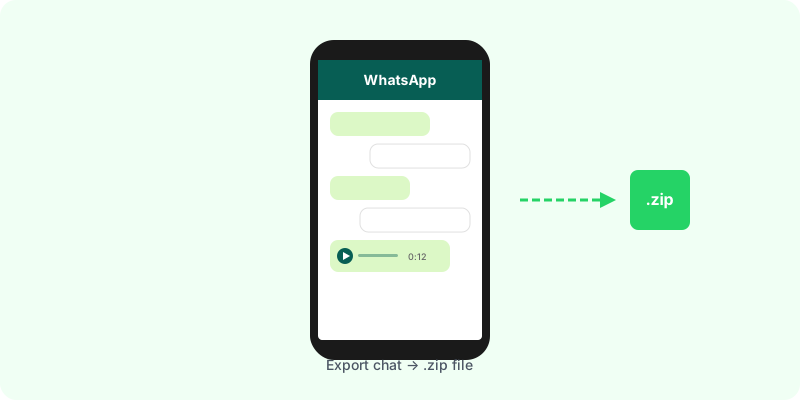
Before you can analyze a WhatsApp conversation, you need it out of the app. The export is simple, but two choices decide what the analysis will be able to see.
The export, step by step #
- Open the chat or group.
- Tap the name at the top (Android: the ⋮ menu → More).
- Tap Export chat.
- Choose Include media or Without media.
- Save the
.zipto Files or Drive, or send it to yourself.
Detailed guides: Android · iPhone. If the option is missing, see export chat missing.
Choice 1: with or without media #
| Without media | With media | |
|---|---|---|
| Messages | up to 40,000 | up to 10,000 |
| Voice notes | dropped | included as audio files |
| Photos, videos, documents | dropped | included |
| File size | small | can be large |
For statistics (counts, timing, who writes), without media gives you a longer history. For content, especially if people talk in voice notes, choose with media: otherwise everything said in audio is invisible to any analysis. More: with or without media.
Choice 2: how much history #
WhatsApp exports the most recent messages up to the cap. If the chat is older and bigger than that, the start is cut. Two practical consequences:
- export important chats now, while the period you care about is still inside the cap;
- for a long history, export again later and keep each file; each covers its own window.
Check the file before analyzing #
Open the .txt and look at:
- the first and last dates, to confirm the period is there;
- the date format (day/month or month/day). It changes with your phone’s language and region (explained here);
- "
" lines , a sign it was exported without media; - system lines (“Messages and calls are end-to-end encrypted…”), which a careful analysis ignores.
Then analyze #
Upload the .zip as is to Zap2Doc Insights. It reads the date format and shows message counts and activity in the free preview. Choose the date range and review the price in that preview. Audio transcription for the selected offer and the Insights briefing are generated after purchase. What to expect from the numbers: how to analyze a WhatsApp chat.