WhatsApp Export Date and Time Formats, Explained
Why the dates in a WhatsApp export look different from phone to phone: day/month vs month/day, 12- vs 24-hour clocks, iPhone vs Android line formats, and how to tell which order a file uses.
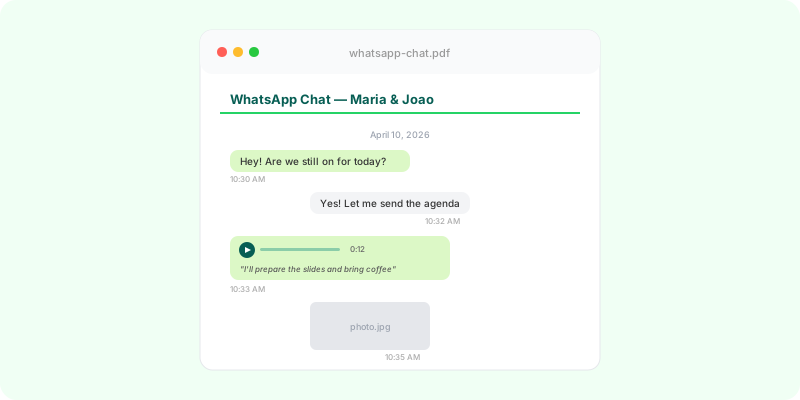
Open two WhatsApp exports from two different phones and the dates may not look alike. The export doesn’t use one fixed format: it writes dates the way the phone that exported it is set up.
Two things decide the format #
- The phone’s region decides the order of day and month, and the separator:
03/04/2026,04/03/2026,03.04.26,2026-04-03. - The phone’s clock setting decides 24-hour (
14:22) or 12-hour (2:22 PM).
The language of the phone can also change the AM/PM marker: a.m., p. m., vorm., nachm., ص, م.
iPhone and Android write lines differently #
iPhone puts the date and time in square brackets, with seconds:
[03/04/2026, 14:22:10] Ana: See you at the officeAndroid has no brackets and no seconds, and uses a dash before the sender:
03/04/2026, 14:22 - Ana: See you at the officeBoth are correct; they’re just two formats of the same thing.
Day first or month first? #
A date like 03/04/2026 is ambiguous on its own. To find the order the file uses:
- Look for any date where one of the first two numbers is 13 or higher. That number is the day. If
25/04/2026appears, the file is day-first; if04/25/2026appears, it’s month-first. - The order is the same for every line of one export.
- A 12-hour clock doesn’t tell you the order. The UK, India, Australia, the Philippines and South Africa often combine day-first dates with AM/PM.
In a short chat that only covers the first twelve days of a few months, there may be no date that settles it. Then the phone’s region is the only answer: ask whoever exported it.
Why it matters #
If you’re building a timeline, a wrong guess swaps months and days and moves events by weeks. It matters most when the chat is evidence of when something was agreed, paid or delivered.
Letting a tool read it #
Zap2Doc reads every line of the export to work out the date order before laying the chat out, using the dates that can only be read one way, and prints the conversation as a chronological PDF with each day labelled. Voice notes are transcribed under their messages, and you see a free preview before paying.