WhatsApp “Export Chat” Missing or Not Working? The Causes and Fixes
The Export chat option is gone or doesn't work? The causes: Advanced chat privacy turned on, WhatsApp Web, the 10,000-message limit with media, and photos that don't come through — and what to do about each.
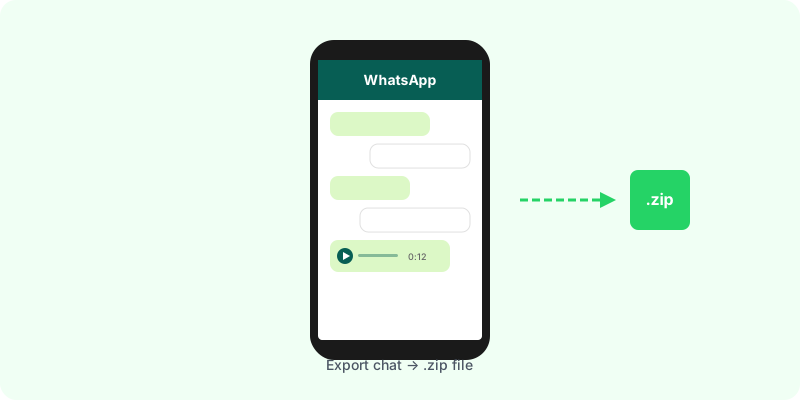
You’ve opened the chat, gone looking for Export chat, and it isn’t there. Or it is, but the file comes out without the photos, or with only part of the messages. There are almost always four causes — and each has a different fix.
First: where the option lives #
- On Android: open the chat → the three dots → More → Export chat.
- On iPhone: open the chat → tap the contact or group name → scroll to the bottom → Export chat.
The full step-by-step, with every screen, is in the guides for Android and iPhone.
Cause 1: Advanced chat privacy is on #
This is the most common cause when the option disappears from one particular chat but shows in others. Advanced chat privacy is a WhatsApp setting that, when it’s on, stops participants exporting the chat — and also blocks media auto-download and the use of messages in AI features.
How to check: tap the contact or group name and look for Advanced chat privacy. The chat also shows a notice when someone turns it on or off.
What to do: ask whoever turned it on to switch it off, or switch it off yourself. In a group where only admins can change the group settings, ask an admin. Export chat then comes back.
Cause 2: you’re on WhatsApp Web or the desktop app #
WhatsApp Web and the desktop app don’t have an export option. Export happens on the phone the account is on. If you’ve changed phones, the chat needs to have been restored on the new one from a backup.
Cause 3: the file is cut off #
According to WhatsApp’s help centre, an export with media includes up to the 10,000 most recent messages, and without media up to 40,000. In longer chats, the beginning is left out.
If the early part is what matters, export again without media to get more of the text, and keep both files.
Cause 4: photos, voice notes or videos are missing #
- You chose “Without media”. Export again and choose to include media.
- Disappearing messages that have already gone don’t come back in an export.
- View-once photos and videos can’t be saved and aren’t in the file.
Once you’ve exported #
WhatsApp produces a .zip with the text and the files. Inside, it’s an unformatted _chat.txt and a folder of loose media — hard to read and hard to show anyone. Zap2Doc turns that .zip into a chronological PDF, with photos in place and voice notes transcribed. You see a free preview before paying, and the file can be up to 3 GB.