WhatsApp Export: With Media or Without Media?
What changes between exporting a WhatsApp chat with or without media: file type, message limits (10,000 vs 40,000), size, and which to choose for keeping a record, reading or sending.
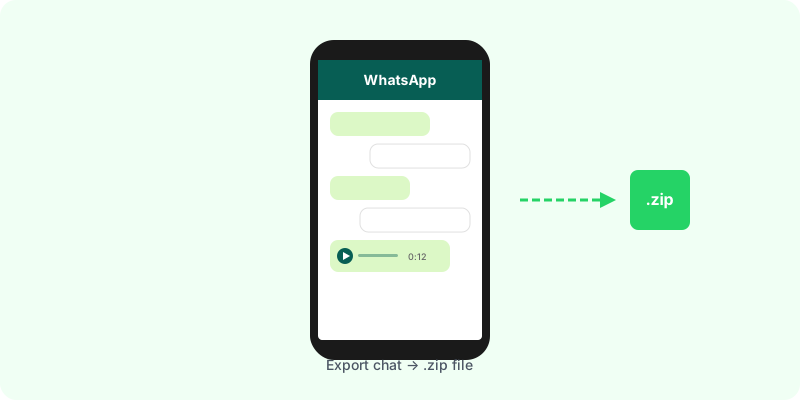
When you tap Export chat, WhatsApp asks whether to include media. The choice changes the file you get, how much of the conversation it holds, and what you can do with it later.
The difference at a glance #
| Without media | With media | |
|---|---|---|
| File | one .txt | a .zip (the .txt plus every attachment) |
| Messages | up to 40,000 | up to the 10,000 most recent |
| Photos, voice notes, videos, documents | only their names in the text | the files themselves |
| Size | small (usually under a few MB) | can reach several GB |
When to choose “Without media” #
- The chat is very long and you need its beginning.
- You only care about what was written, not what was sent.
- You need to send it somewhere with a small attachment limit.
The catch: wherever a photo or voice note was sent, the text shows only a placeholder. You lose the content of every voice note and image.
When to choose “Include media” #
- Photos, receipts, screenshots or voice notes matter to what happened.
- You want a complete record of the recent part of the conversation.
- You plan to turn the export into a document: the PDF can only show the photos and transcribe the voice notes that are in the file.
What is never included #
Whichever you choose, these do not come along:
- View-once photos and videos.
- Disappearing messages that have already disappeared.
- Messages deleted with Delete for everyone (the text shows that a message was deleted).
- Calls: the export lists that a call happened only where WhatsApp wrote a notice in the chat.
Best of both #
For a long conversation where both the early history and the attachments matter, export twice: once with media, once without. The .txt without media gives you the longer timeline; the .zip gives you the files.
What to do with the file #
A .txt is readable but hard to follow, and a .zip is a folder of loose files. Zap2Doc reads either export and produces a chronological PDF: with a .zip, photos appear in place and every voice note is transcribed under its message. You see a free preview before paying, and the .zip can be up to 3 GB.