What Does “Export Chat” Mean on WhatsApp?
Export chat makes a copy of one WhatsApp conversation as a file you can keep or send. What it does, what it doesn't (it's not a backup), who gets notified, and what you can do with the file.
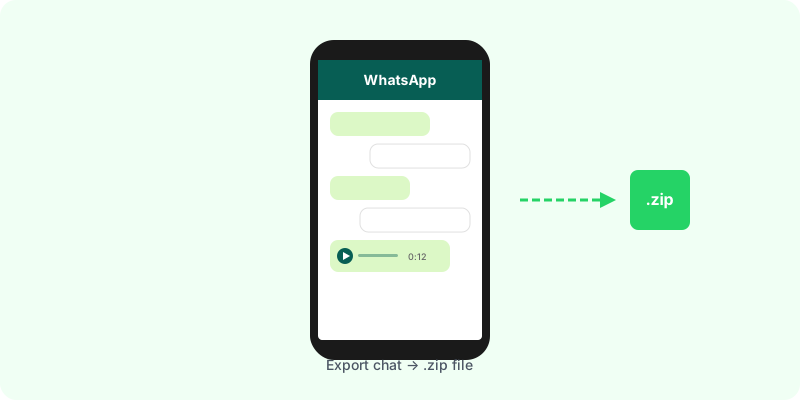
Export chat makes a copy of one WhatsApp conversation, individual or group, as a file you can save or send outside WhatsApp. Nothing changes in the app: the chat stays where it was, and nobody is told you exported it.
What you get #
WhatsApp asks one question first: Include media or Without media.
- Without media: a single
.txtfile with every message as text, one line per message, with date, time and sender. - With media: a
.zipfile containing that same.txtplus every photo, voice note, video and document from the chat.
What each file looks like inside, and how to open it, is in I exported a WhatsApp chat and got a .zip file. Now what?
What export is not #
- Not a backup. A backup lets you restore your chats on a new phone. An export cannot be loaded back into WhatsApp; it’s a copy for reading. For backups, see the WhatsApp backup guide.
- Not a move. Exporting doesn’t remove or archive anything.
- Not the whole history, always. An export with media carries at most the 10,000 most recent messages; without media, 40,000. Longer chats are cut at the beginning.
- Not everything. View-once photos and videos, and disappearing messages that have already gone, are not exported.
Does anyone get notified? #
No. Exporting happens on your phone only. The other person or the group is not told.
If export is blocked for a chat, it’s because someone turned on Advanced chat privacy, a per-chat setting that stops participants exporting it. That case is explained in WhatsApp “Export Chat” missing or not working.
Where to find it #
- Android: open the chat → the three dots → More → Export chat.
- iPhone: open the chat → tap the contact or group name → scroll down → Export chat.
Step-by-step guides with every screen: Android and iPhone.
Why people export a chat #
- To keep a record of an agreement, a purchase or a job before the phone changes or messages are deleted.
- To send the conversation to a lawyer, an accountant, an insurer or a family member.
- To read a long chat somewhere more comfortable than a phone screen, or to search it.
- To print it or attach it to a complaint.
For all of these, the raw export is hard to use: the text names attachments instead of showing them, and voice notes are loose audio files. Zap2Doc turns the export into a chronological PDF, with photos in place and voice notes transcribed under each message. You see a free preview before paying.