How to Transcribe All WhatsApp Voice Notes at Once
WhatsApp's own transcripts work one voice note at a time, on your phone. How to transcribe every voice note in a chat in one go, in order, with the sender and time of each.
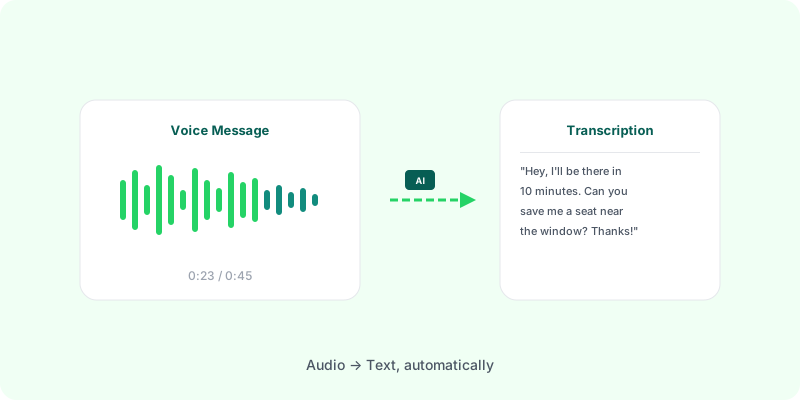
Holding your finger on a voice note and reading its transcript works for one message. It doesn’t work for a chat with 80 voice notes, a client who only sends audio, or a dispute where you need every word that was said.
What WhatsApp’s own transcripts do #
WhatsApp can show a transcript under a voice note, generated on your phone. It’s handy, with limits:
- One at a time, voice note by voice note.
- Only inside the app: transcripts are not part of a chat export.
- Depends on your phone and language: see WhatsApp voice transcripts: supported languages.
Doing them all in one go #
The export is the key. When you export a chat with media, every voice note comes along as its own audio file, and the chat’s text records when each one was sent and by whom. A tool that reads the whole export can transcribe all of them and put each one back in its place.
With Zap2Doc:
- Export the chat with media (Android, iPhone).
- Upload the
.zip. Zap2Doc counts the voice notes and measures the total audio. - Check the free preview. You can transcribe one voice note before paying to see the quality on your own audio.
- Download the PDF. Every voice note is transcribed under its message, with sender, date and time, in chronological order, alongside the text and photos.
The PDF includes transcripts for the audio covered by your selected period and offer. Check the measured duration and included minutes in the preview before purchasing.
What you get back #
- Every voice note, including audio files like call recordings (
.m4a,.aac,.amr,.mp3). - Each language detected per note, so a chat that switches languages is handled note by note.
- Silent notes marked as such, instead of an empty gap.
- A Markdown copy of the conversation to search or paste elsewhere.
Many chats #
If you transcribe chats for clients or cases, Zap2Doc for Business takes many exports at once, gives each its own PDF, and applies volume discounts.