WhatsApp Audio Files to Text: m4a, aac, amr and mp3
Not every audio in a WhatsApp chat is a voice note. Call recordings, phone memos and forwarded audio arrive as .m4a, .aac, .amr or .mp3. How to find them in the export and transcribe them with the rest.
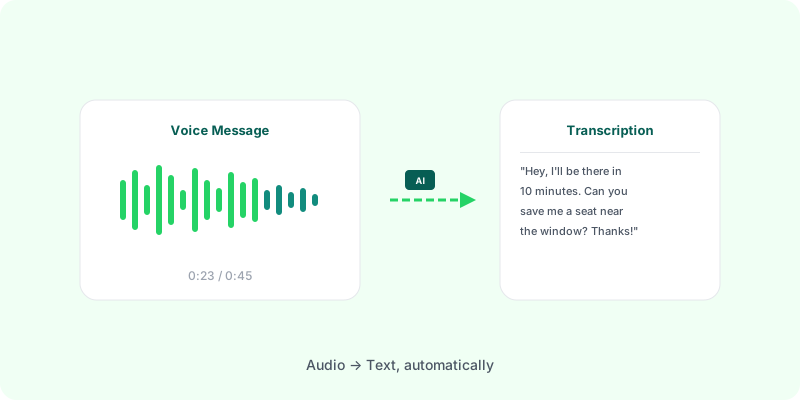
Voice notes are only part of the audio in a WhatsApp chat. When someone sends a call recording, a memo from their phone’s recorder, or forwards an audio file, it travels as a file in its original format. In the export, those show up next to the .opus voice notes with different names and extensions.
The formats you’ll find #
| Extension | Usually is |
|---|---|
.opus | a voice note recorded in WhatsApp |
.m4a | an iPhone Voice Memo or a recording from many apps |
.aac | an Android call recording or recorder file |
.amr | an older Android call recorder |
.mp3 | a forwarded audio or music file |
On Android, audio sent as a file is named AUD-20260802-WA0122.aac; voice notes are PTT-…opus. On iPhone, both are …-AUDIO-…. with their own extension.
Sometimes the file arrives with no extension at all (AUD-20260802-WA0122.). It’s still audio; WhatsApp just didn’t write the ending.
Why these are harder #
- They’re longer. A call recording can run for half an hour; a voice note is usually under two minutes.
- Many tools refuse them. Raw
.aacand.amrare not accepted by a lot of transcription services. - They lose their context once you pull them out of the chat: who sent the recording, and when.
Transcribing them with the chat #
Zap2Doc reads every audio format in the export, not only voice notes:
.m4a,.mp3,.oggand.opusare transcribed directly..aacis repackaged and.amrconverted before transcription, so they’re accepted too.- Files with no extension are recognised by their content.
- Long recordings are cut at their silences into short pieces, so a 20-minute call is transcribed in full.
Each transcript appears under its message in a chronological PDF, with the sender, date and time, next to the photos and the rest of the conversation.
- Export the chat with media (Android, iPhone).
- Upload the
.zip. The free preview shows how much audio was found and the price. - Download the PDF.
For voice notes specifically, see WhatsApp .opus file to text.