How to Export a WhatsApp Chat on Android
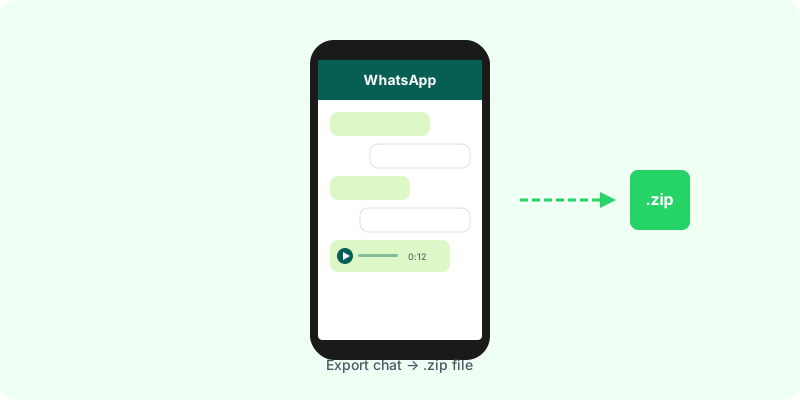
How to Export a WhatsApp Chat on Android
Exporting a WhatsApp conversation on Android takes just a few taps. Here’s the complete process, from opening the chat to saving the file.
Step-by-Step Instructions
- Open WhatsApp and go to the individual or group chat you want to export.
- Tap the three dots (⋮) in the top-right corner to open the menu.
- Tap More → Export Chat.
- Choose whether to Include Media or export Without Media.
- The Android share sheet will appear. Options include:
- Save to Google Drive
- Save to internal storage via your Files app
- Share via Gmail, Telegram, or any other app
What’s Inside the Export
The .zip file contains:
_chat.txt— the full conversation log with dates, times, and sender names- Media files if you chose “Include Media”: images, videos, and
.opusvoice messages
About .opus files: Voice messages are saved as .opus, an audio format optimized for speech. Most media players don’t handle it natively. If you want readable transcriptions instead of audio files, Zap2Doc converts them to text automatically.
Saving to Google Drive
Selecting Google Drive from the share sheet uploads your export directly to My Drive. This is handy for backups, but note that large media-inclusive exports can consume significant Drive storage. For archiving purposes, the text-only export is usually sufficient.
Storage and Size Considerations
- Text-only exports are tiny — typically under 1 MB even for multi-year chats.
- Media-inclusive exports from busy group chats can be several gigabytes.
- Make sure you have enough free storage on your device or in Google Drive before exporting with media.
Differences From iPhone
The process is nearly identical on iOS and Android, but there are a few differences:
- Android uses the three-dot menu inside the chat; iOS uses the contact/group info page.
- Android may show a message count limit warning in older versions of WhatsApp.
- File handling is more flexible on Android — you can browse and move the
.zipdirectly.
Turn Your Export Into a PDF
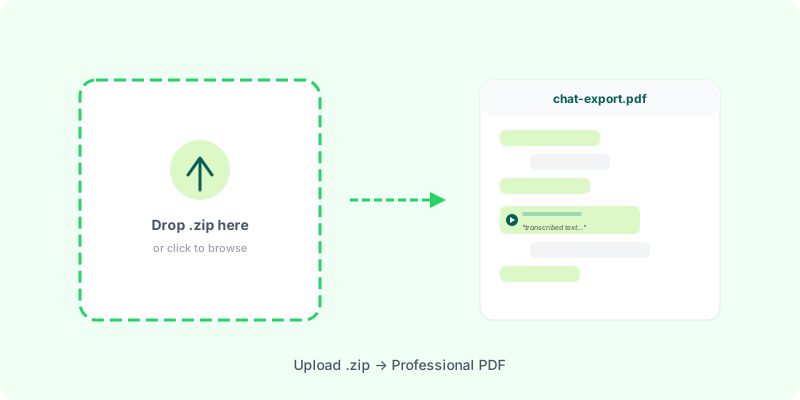
Once you have the .zip, Zap2Doc converts it into a formatted PDF in minutes. Upload from any browser — no app install required. You’ll see a live preview with message counts, image thumbnails, and AI-transcribed voice messages before you download the final document.